Digital professional card
Select View digital card in the public profile to open the expanded professional card.
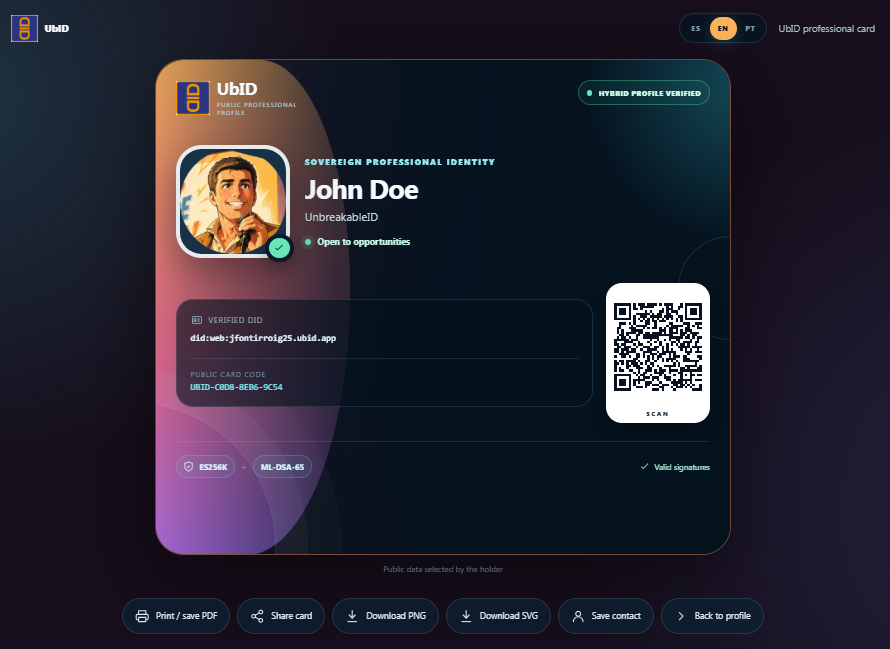
Information on the card
The card can display the avatar, public name, professional availability, verified DID, public card code, and QR code. It also identifies the two signature algorithms used by the published profile:
- ES256K: classical signature;
- ML-DSA-65: post-quantum signature.
The public card code is a stable, public identifier bound to the profile's domain and DID. It is not a password, private key, or recovery code. Scanning the QR code opens the localized public profile so the visitor can review its current information and Trust Center.
Print, share, or save
| Action | What to expect |
|---|---|
| Print / save PDF | Opens the browser print dialog. Choose a printer or Save as PDF. |
| Share card | Shares the PNG file through the device's native share menu. If file sharing is unavailable, the PNG is downloaded instead. |
| Download PNG | Saves a raster image suitable for messaging and common documents. |
| Download SVG | Saves a scalable version suitable for high-resolution output. |
| Save contact | Downloads the holder's public information as a vCard (.vcf). |
| Back to profile | Returns to the complete public profile in the selected language. |
The print view uses a clean layout while preserving the DID, public card code, QR code, and signature indicators.
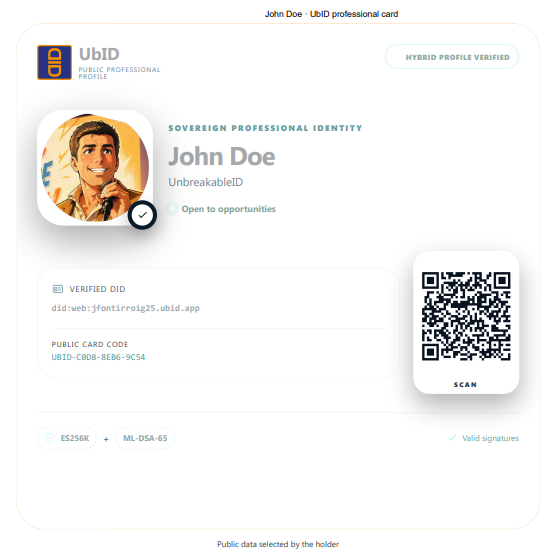
A downloaded or printed card is a snapshot. Open its QR code or public address and check the current Trust Center before using it for an important decision.
Continue with Trust, public contacts, and professional requests.