Configuration and session
The System section contains browser preferences and the explicit sign-out control.
Configuration
Open System → Configuration.
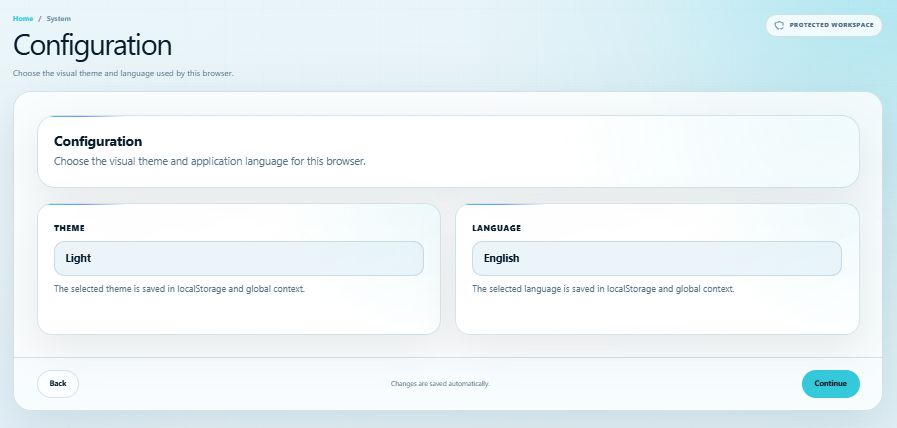
Choose a theme:
- Light.
- High-contrast light.
- Dark.
- High-contrast dark.
- Grayscale.
Then choose Spanish, English, or Portuguese. Changes are saved automatically in this browser and applied to the application context. They do not modify identity credentials or publish profile data.
Sign out
Open System → Sign out and select Sign out.
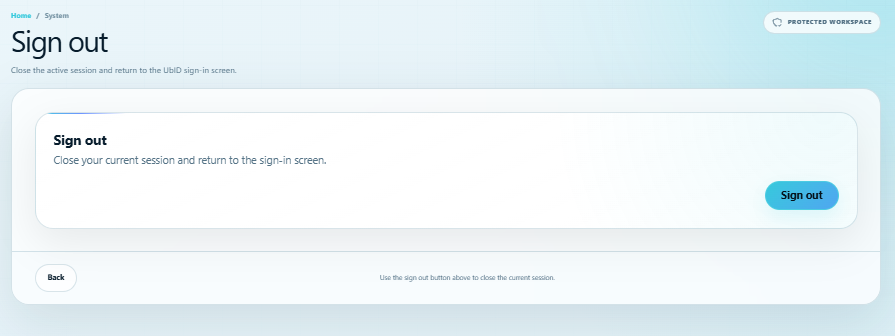
UbID closes the current authenticated session, clears temporary session and authentication values, and returns to the sign-in page. Persistent language, theme, and accessibility preferences remain available.
Signing out does not delete the encrypted local identity. To remove that browser copy, use the separate and protected Delete local account procedure.
Always use Sign out before leaving the device. Closing only the browser tab is not a substitute for ending the authenticated session.