Security and devices
Use the Security section to manage access factors and the device authorities associated with the current identity. Confirm the User ID before every change.
Recover Password
Open Security → Recover Password and select Recover Password.
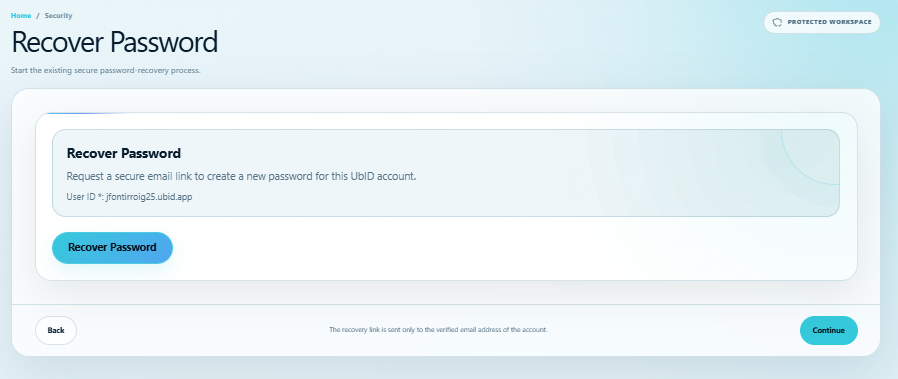
UbID starts the existing secure email process for the displayed User ID. The reset link is sent only to the verified address. Follow Reset a forgotten password for the complete sequence.
Activate PIN
Open Security → Activate PIN.
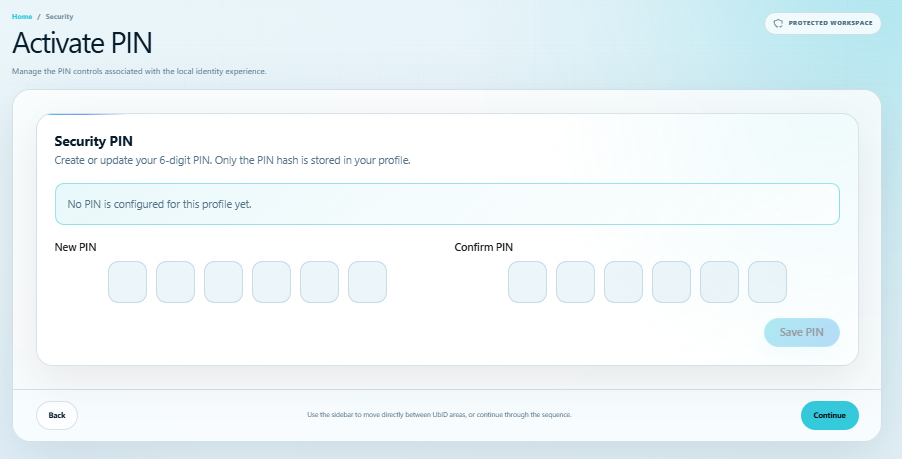
Enter the same six-digit value under New PIN and Confirm PIN, then select Save PIN. If a PIN already exists, saving a new one replaces it. Only a domain-separated SHA-256 hash of the PIN is stored in the remote profile; the clear PIN is not stored by this control.
The PIN is not the account password or a recovery key. Choose a value that is difficult to guess and do not share it.
Activate Fingerprint
Open Security → Activate Fingerprint.
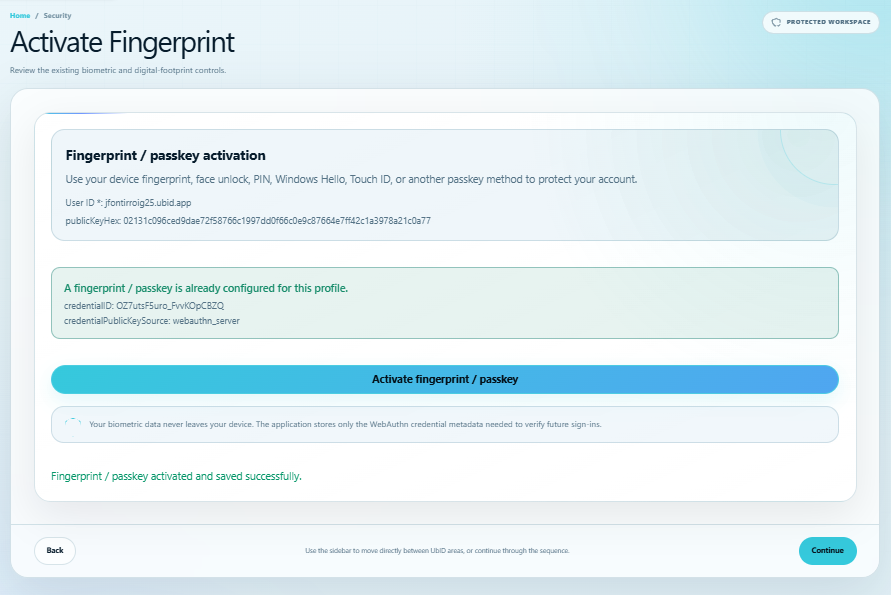
This is a WebAuthn/passkey control. It requires a secure HTTPS context, a compatible browser, and the local identity public-key metadata in encrypted IndexedDB. Select Activate fingerprint/passkey and follow the device prompt.
UbID can use fingerprint, face unlock, device PIN, Windows Hello, Touch ID, or another passkey method offered by the authenticator. Biometric samples remain on the authenticator/device; UbID stores the WebAuthn credential metadata and public key required to verify future sign-ins.
My devices
Open Security → My devices.
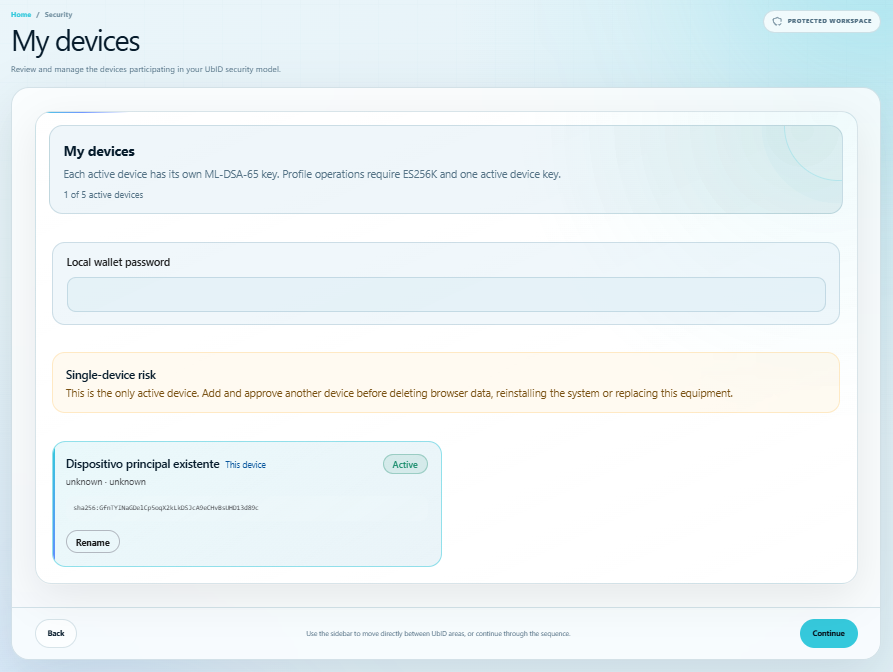
Each active device has a local ML-DSA-65 authority key. Profile operations require the ES256K identity key and one active device key. The registry supports up to five active devices.
From this screen you can:
- Rename a registered device.
- Add this browser as a new device and approve it from another active device using a displayed confirmation code and passkey authorization.
- Suspend, resume, or revoke another device when permitted.
- Recover device authority if all usable local authorities were lost.
Enter the Local wallet password when a protected device action requests it. If the screen reports Single-device risk, add and approve another device before clearing browser data, reinstalling the system, or replacing the equipment.
Delete local account
Open Security → Delete local account only when you intentionally want to remove this identity's encrypted local data from the current browser.
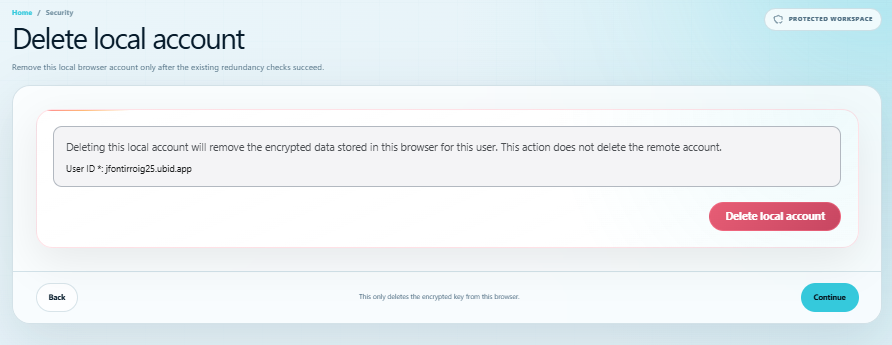
This action does not delete the remote UbID account. Before showing the final confirmation, UbID checks device redundancy. Deletion is blocked if this browser contains the only active device authority, or if the registry cannot confirm redundancy.
Confirm that another active device or an approved recovery route works. After deletion, this browser will need to sign in and recover access or import the identity again. For the recovery procedure, see Local keys, backup, and recovery.